Initial Setup
Login
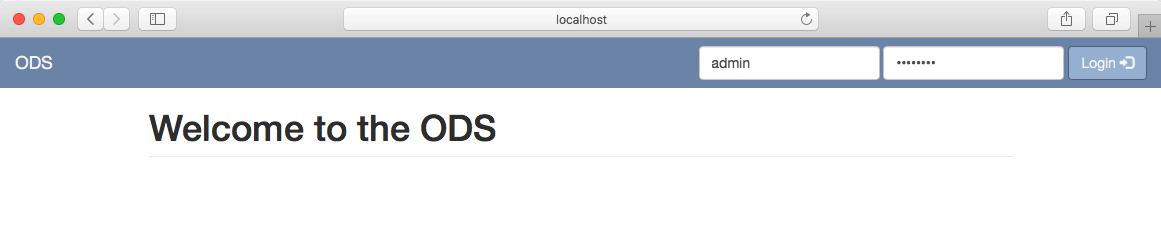
During first time initialization, the ODS application will set an initial administrator user account to access the web UI and Admin API.
Username: admin Password: ods1234!
Warning
You will be able to change this account, and add others with restricted permissions, in a later update.
Server Administration
Under the Admin tab you can view the current server settings and information on the system’s resources and activities.
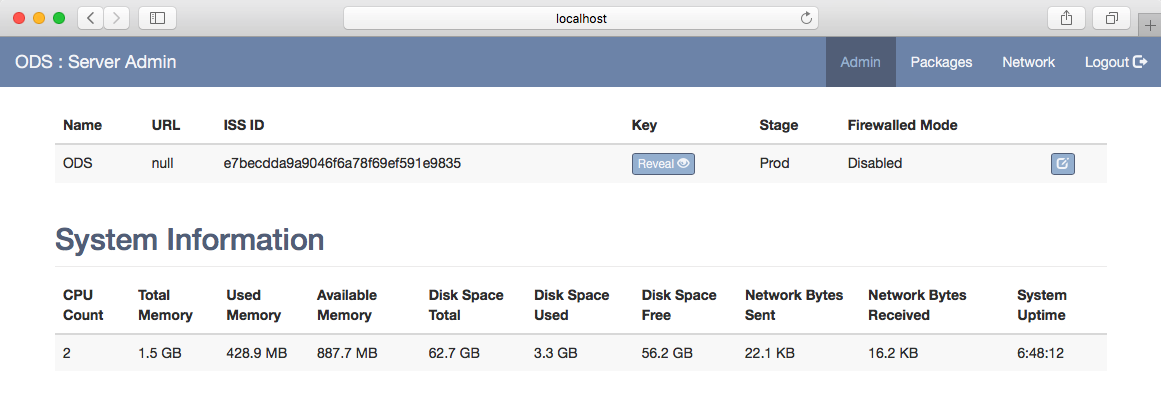
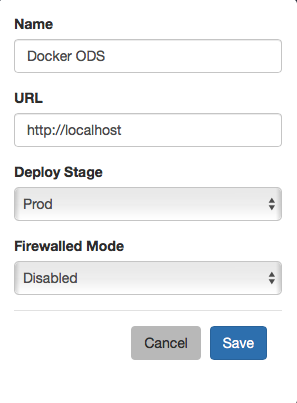
Before you can register the ODS to another ODS you must set the Name and URL. Click the Edit button on the right to open the settings modal to make your modifications.